Start with the issuer and the actual card
The American Heart Association states that its BLS Provider Course completion eCard is valid for two years. That does not make every uploaded BLS document acceptable: confirm the issuer, course and format the receiving facility requires. Use the issuer's verification process and the card's stated expiration; do not apply the AHA rule to every provider.
The fields your BLS tracker needs
- Clinician name and a stable roster identifier, so similarly named nurses do not get mixed up.
- Credential type, issuer, card identifier and issue date.
- Verified expiration date and supporting document.
- Reviewer, verification date and review outcome.
- Renewal owner, contact email and upcoming assignment dates.
- A distinct status for missing, pending review, rejected, current, expiring and expired.
Use a repeatable renewal process
- 1
Verify and record
Check the card at the issuer and confirm facility acceptance. Enter the expiration date exactly; if it is unclear, resolve it with the issuer rather than guessing.
- 2
Prioritize the roster
Review expired items first, then cards due soon. Compare the date with the full assignment window so a renewal does not become a mid-contract surprise.
- 3
Send reminders with an owner
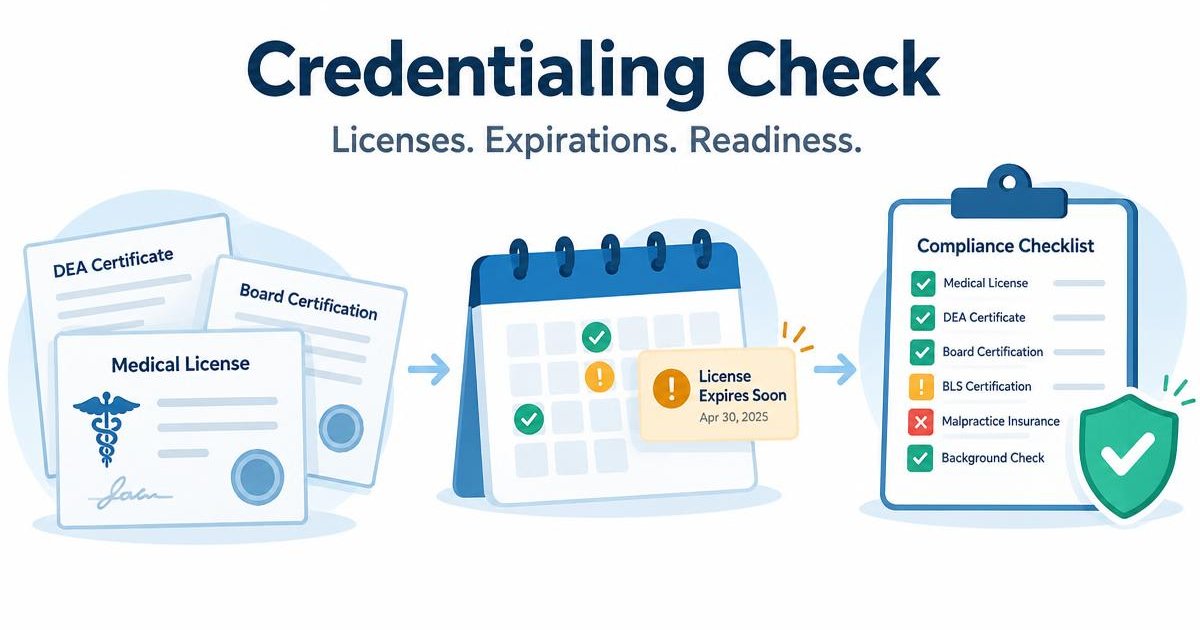
Choose checkpoints early enough for course availability and review time. Credentialing Check's paid-plan reminder schedule includes 60, 30, 14, 7, 3 and 1 days before expiration.
- 4
Collect the renewed card
The clinician uploads the replacement. Keep it pending review until an owner, admin or recruiter checks it; reject with a clear reason if it is not acceptable.
- 5
Close the loop
Confirm the new expiration and approved status, then recheck the profile and any facility requirements. A booked class or an upload alone does not mean renewal is complete.
Spreadsheet tracking versus a live credential file
A spreadsheet can be a useful starting point if one person maintains dates, verifies every change and follows up on reminders. Its weak point is usually the handoff: the coordinator has a date, the clinician has the card, and the recruiter needs an answer.
Credentialing Check puts the document, expiration and review status on the clinician profile. Free covers up to 5 clinicians with checklists, private document storage and expiration tracking. Automated email reminders and the expiration calendar require a paid plan; Starter is $49.99/month for up to 50 clinicians. The software does not verify BLS with the issuer or guarantee facility acceptance.
Sources & further reading
- American Heart Association — BLS course options and validity
- American Heart Association — course cards and verification
Written by Credentialing Check · Reviewed November 7, 2026. Confirm current issuer, board and facility requirements before acting.
See our current plan features and Security & HIPAA/BAA policy.